Updating existing content with AI: from evidence to publication checks
Decide which sections to keep, correct or remove. Work through an evidence pack, an example prompt and a publication checklist.
Last checked:
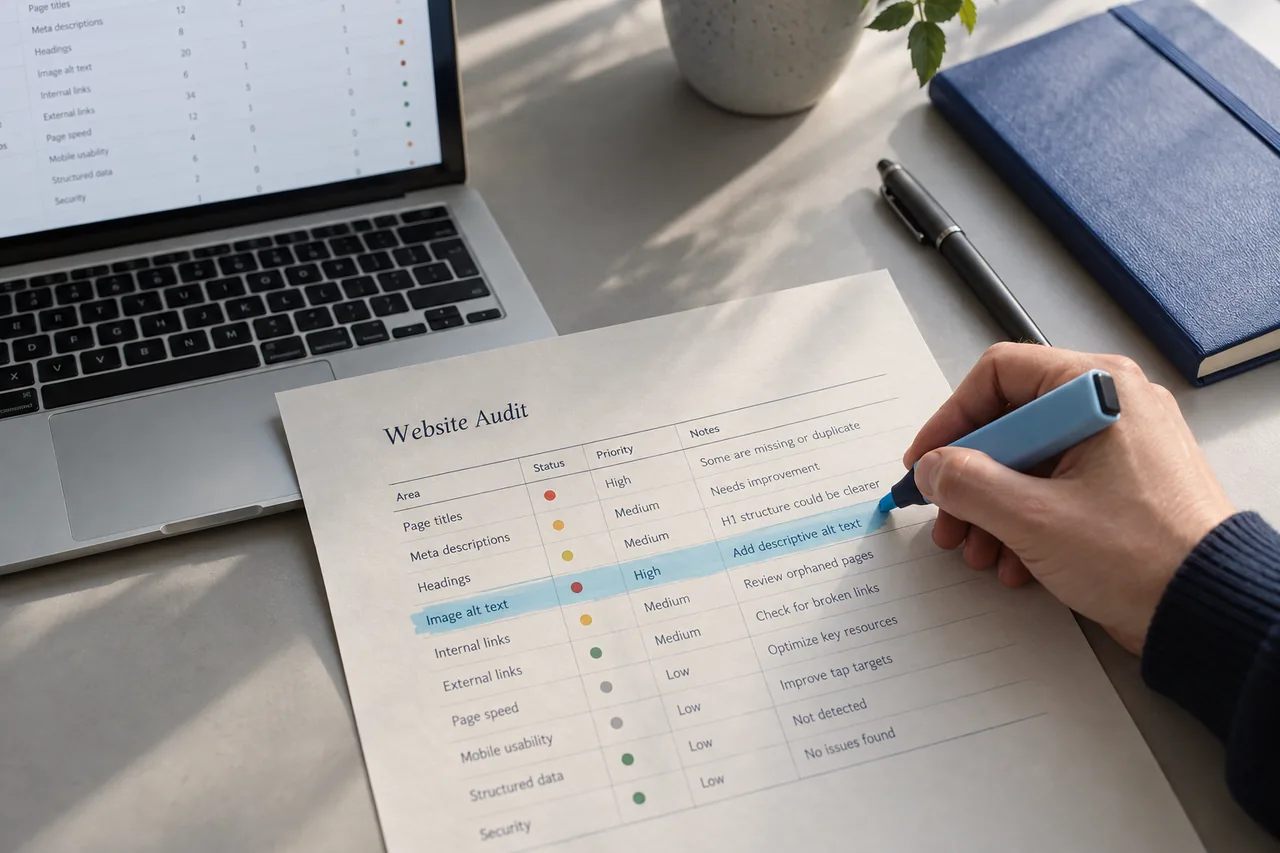
Last year's desk-buying guide contains discontinued products, changed delivery terms and missing dimensions. Asking AI to rewrite the entire page can hide these problems: an old error becomes a smoother sentence, and new unverified claims appear. Start with the information that needs updating.
This method works on an existing article or category description. The output is an edit proposal that makes every change and its reason visible. Review by someone who knows the products and a final check on the live page are part of the work. The aim is to prevent decisions based on outdated or unclear information.
1. State the reason for the refresh in one sentence
“The article is old” is not a sufficient brief. Choose a verifiable problem, such as “two of the three recommended desks are discontinued” or “readers cannot find the cable opening dimensions”. If traffic is falling, investigate the affected pages and queries separately; do not attribute the decline directly to the copy's age.
Set a boundary, such as updating the product table and completing the measurement section. Do not change accurate assembly instructions merely to make them look different. Keep separate notes for sections to retain, facts to correct and gaps requiring research.
| Current state | Decision | Evidence needed to publish |
|---|---|---|
| Product discontinued | Replace or remove the recommendation | Current product catalog |
| Dimensions missing | Ask the product owner | Verified technical measurement |
| Assembly steps remain accurate | Keep the section | Current assembly documentation |
| Broad superiority claim | Replace with a specific distinction | Comparable product feature |
2. Prepare a small evidence pack before requesting a draft
Provide the model with the existing copy, the page's purpose and the sources it may use. For a desk guide, this could include current specifications, assembly instructions, delivery policy and anonymized customer questions. Give each source a short name and a checked date.
Resolve contradictions between sources first. If a product card says 120 centimeters and the technical document says 140, do not ask AI to guess which is correct. Send the question to the product owner. Mark the measurement as pending until answered; do not insert it into the draft as fact.
Include only information needed for this task. A customer's name, phone number and shipping address are unnecessary to explain a question about assembly time. Preparing examples that can be shared internally also makes the review easier to repeat.
3. Request proposed edits before a full rewrite
You can use this prompt with your own documents: “Review this desk-buying guide using only the sources I provide. For each issue, give the current sentence, the problem, the source name and a proposed correction. Do not add dimensions, prices, warranties or experience claims absent from the sources. Mark uncertain information as ‘verification required’. Keep sections that remain accurate.”
After reviewing the first output, ask for new paragraphs using only the edits you approved. For a compact-room desk recommendation, the model may explain documented dimensions; it cannot claim to have tested the product for the reader. Separate a recommendation from verified experience. Do not say “we tested” when no test took place.
4. Check claims before polishing the language
Google's generative AI guidance emphasizes accuracy, quality and relevance. Producing many pages without adding user value may violate its spam policies. Focus on the evidence and usefulness of each important statement, rather than making the writing appear human-authored.
For example, replace “this desk suits every small room” with actual width, depth and measuring instructions. Explain “easy to assemble” using the requirements in the assembly manual. If a page makes health, durability or safety claims, do not strengthen them without suitable supporting evidence.
- Numbers: does every dimension, price and duration match a current source?
- Conditions: have exceptions, additional charges or model differences disappeared from the sentence?
- Experience: does the draft imply a test or interview that never happened?
- Value: which decision will the new information help the reader make?
5. Tie the update date to a substantive change
Google's people-first content guidance flags changing dates without substantial content updates as a practice to question. Do not change only the year to make an article look refreshed. If the product table or measuring instructions changed, a short update note helps readers understand what is new.
Name a reviewer only if that person actually completed the review. If explaining automation would give readers useful context, say which stage used it. Open the sources, test the links and check that image text does not still describe a removed product.
6. Check the published page and search data separately
First confirm that the live page shows the correct version: is the new table readable, are old product links gone, and are dimensions clipped on mobile? This verifies implementation. Evaluate the effect on search performance over subsequent periods.
Record the URL, changed sections, publication date and queries to monitor. If the expected effect does not appear, do not keep lengthening the same copy. Revisit the need being served, product availability and the promise made in the search result. More text alone cannot correct a wrong diagnosis.
This guide was prepared with AI assistance using official sources. Examples are not customer results and do not promise performance improvements.