Product
One app that preps your weekly SEO work and measures the results.
Marvedo’s agent finds opportunities and preps the work every week, and Chat answers your questions using your site’s data. Research, content and measurement tools live in the same account.
Agent
Ready-to-ship work, every week.
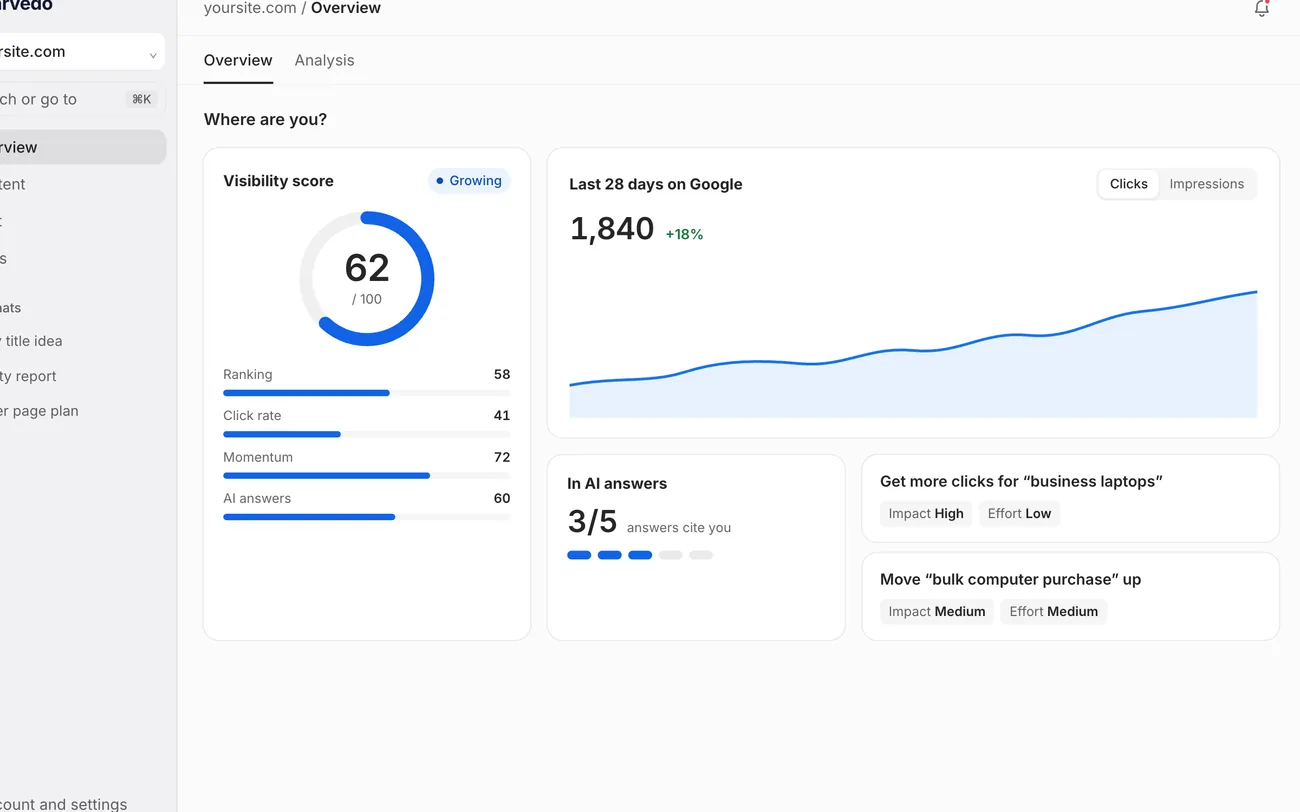
Every week Marvedo reviews your Search Console, GA4 and AI answer data, picks the few jobs with the biggest payoff and preps them for you.
- Every job comes with the numbers behind it: impressions, clicks, position and expected CTR.
- It brings the new title and description ready to go and, once you approve, publishes them to WordPress.
- The Marvedo Helper plugin applies the change, keeps the previous version and lets you undo it in one click.
- At 14 and 28 days it measures the result against the rest of your site.
Chat
An SEO assistant that knows your site’s data.
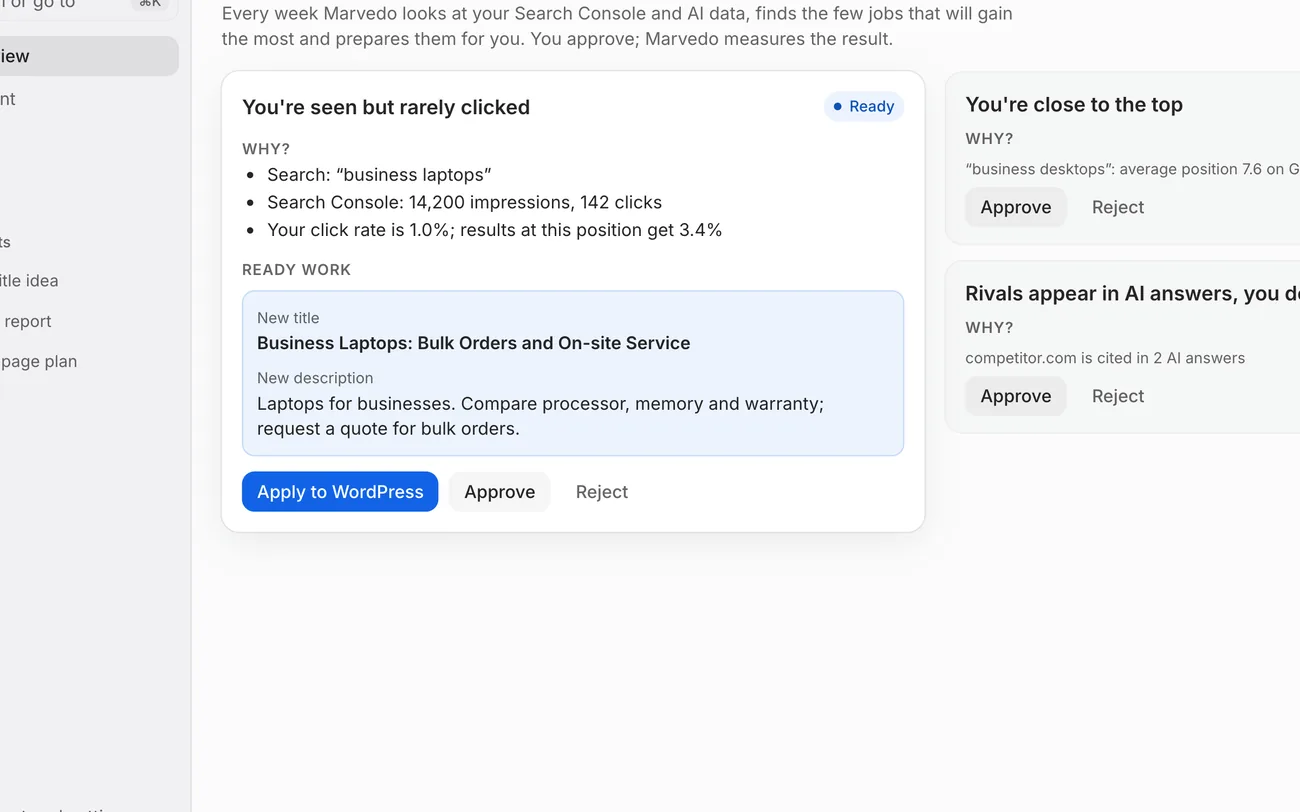
Ask a question and Marvedo pulls from Search Console, its site crawler, search results, keyword and backlink data to answer.
- Every number comes with its source and date.
- Nothing changes without your approval.
- It can send an article or a new title to WordPress as a draft. It only ever creates a draft; nothing is published.
First Analysis
Day one: it learns your site and drafts a 30-day plan.
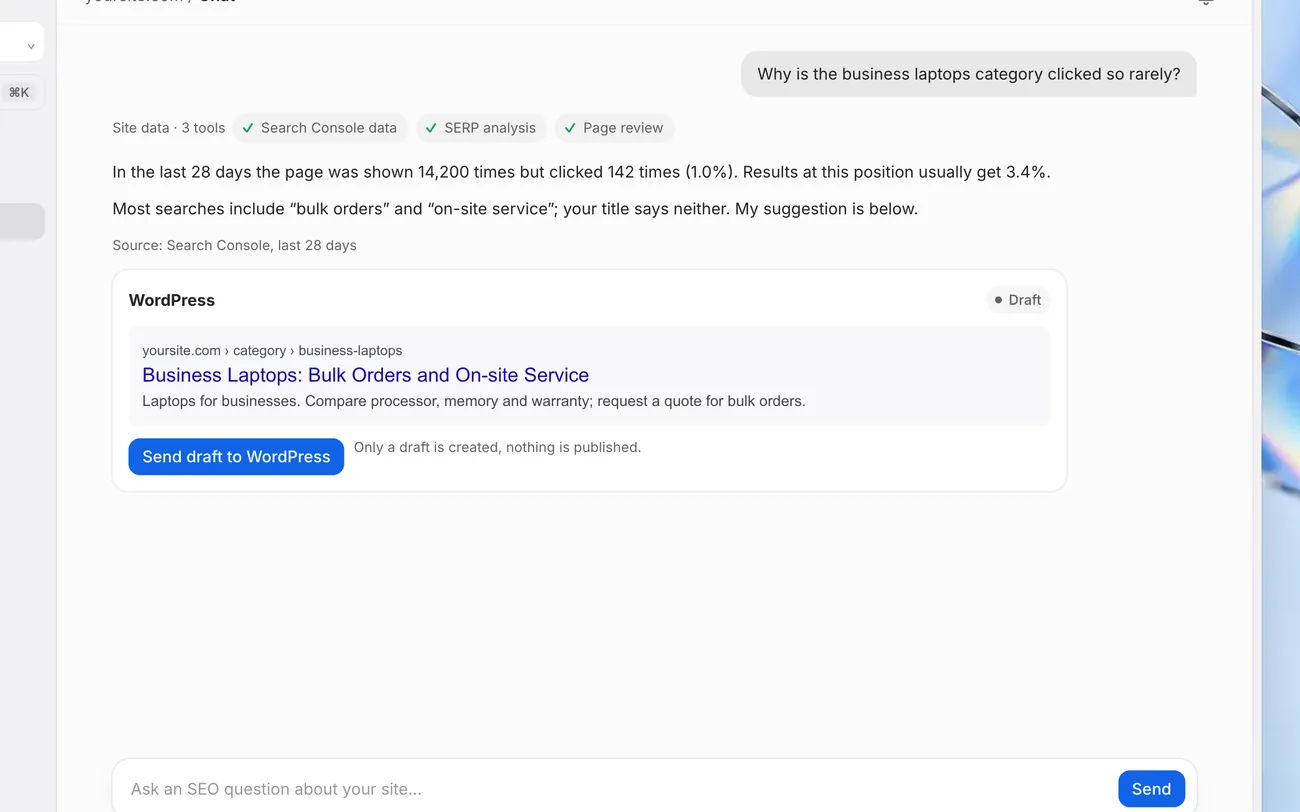
As soon as you add your site, Marvedo reads your pages and works out what you sell, which pages perform and what’s missing.
- It separates category, product, blog and company pages.
- It surfaces your strongest pages, the ones with the most room to grow, technical gaps and missing topics.
- It builds “Your first 30-day plan” from the jobs it expects to matter most, with each job's estimated clicks and effort.
AI visibility
Does AI mention you?
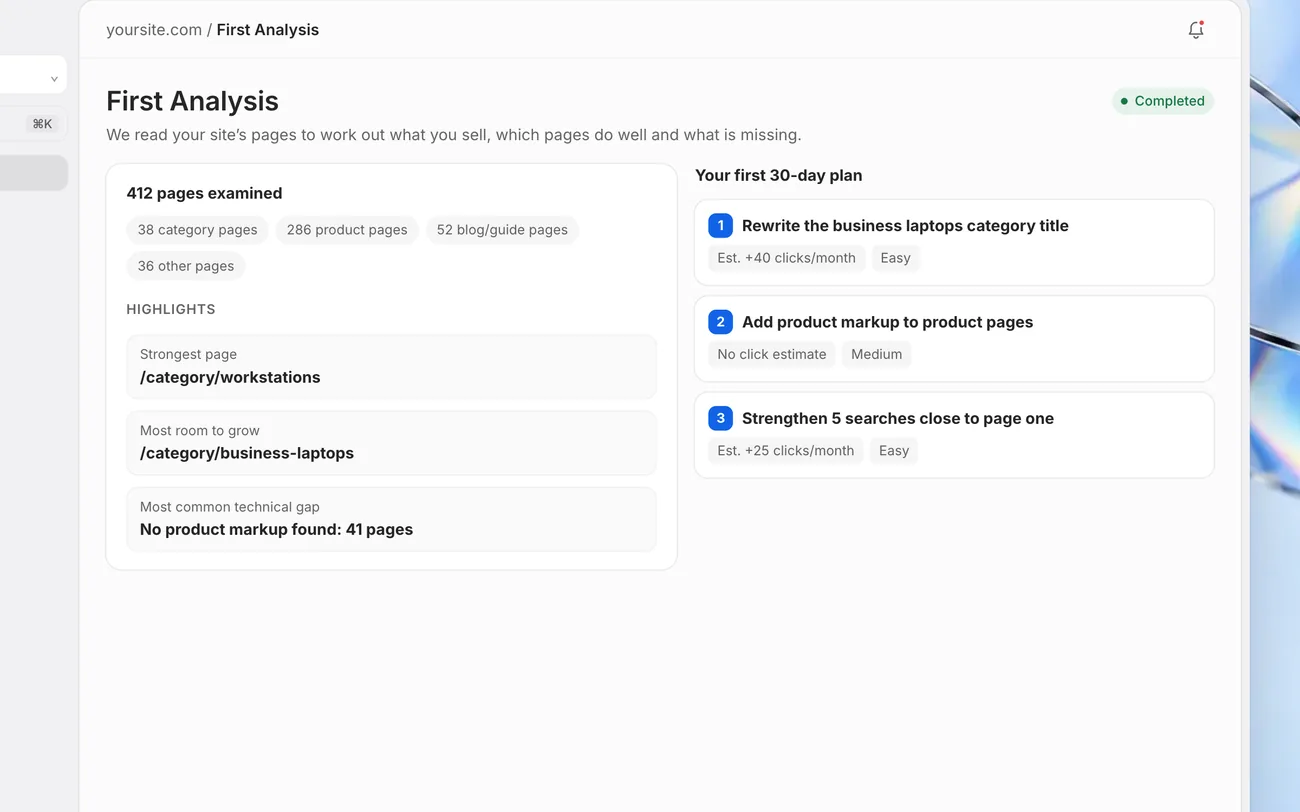
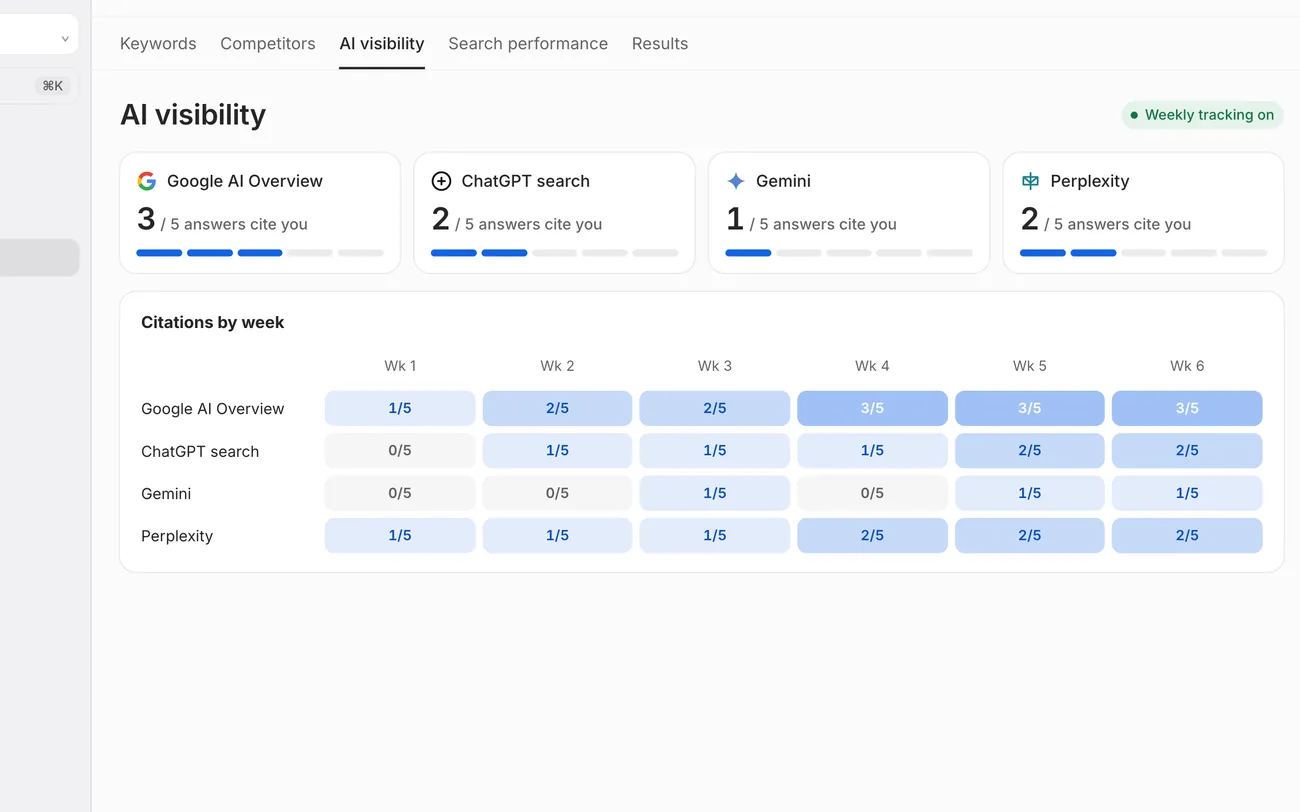
Every week it asks questions picked for your site in Google AI Overviews, AI Mode, ChatGPT, Gemini and Perplexity.
- It shows how many answers cite you, and who gets cited instead.
- Week-by-week changes in a single table.
- It shows which pages earn your competitors those citations.
Other modules
From research to results, in one account.
Open the same tools the agent and Chat use, whenever you need them.
Content
AI article drafts, a content calendar and a brand profile that keeps everything in your voice.
ExploreKeywords
Keyword research with volume, difficulty and trends; tells you whether to create a new page or update an existing one.
ExploreCompetitors and backlinks
Topics where competitors beat you, a domain overview and backlinks.
ExploreSite health
Finds technical issues page by page and shows where to start fixing.
ExploreRank tracking and performance
Rankings for the searches you track, plus clicks, impressions and CTR, on one screen.
Overview and reports
Visibility score, the week's priority jobs, measured results and a weekly email summary.
Integrations
Works with the tools you already use.
You set up every connection and can revoke access at any time.
- Sign in with GoogleCreate your account in one click
- Search ConsoleClicks, impressions, rankings; refreshed daily
- Google Analytics 4Traffic and conversions
- Google AdsRead-only; paid vs. organic overlap
- WordPressApproved changes and drafts through the Marvedo Helper plugin
- MCP and APIAccess your Marvedo data from Claude, ChatGPT, Codex, Cursor and VS Code
You stay in control
Nothing goes live without your approval.
- Approval first
The agent prepares the work, you approve it. Chat only creates drafts.
- Reversible
The old version of every WordPress change is kept; one click undoes it.
- Sourced numbers
Every suggestion and result comes with its data source and date; if there is no difference it says “No clear change”.